
Warehouse Management for Small Business: How to Choose the Right System
 Daniel Brooks
·
· 16 min read
Daniel Brooks
·
· 16 min read 
In fact, growth breaks weak stock habits fast. Orders rise, items move faster, and small errors start to cost real money. That is why warehouse management for small businesses matters early, not just after a firm outgrows its sheets.
For example, a clear tool helps teams find items, count stock, and ship on time. It also cuts the hidden costs of missed picks, late reorders, and excess stock. For many firms, the shift starts with warehouse inventory software that brings daily stock data into one place.
Small sites rarely have extra labor to absorb mistakes. When one picker spends ten extra minutes looking for stock, the delay spreads across the day. A basic process may work at low volume, but it often breaks under steady growth. That is a key reason why warehouse management for small businesses should match daily work, not just future plans.
Why Warehouse Management for Small Businesses Matters for Growth
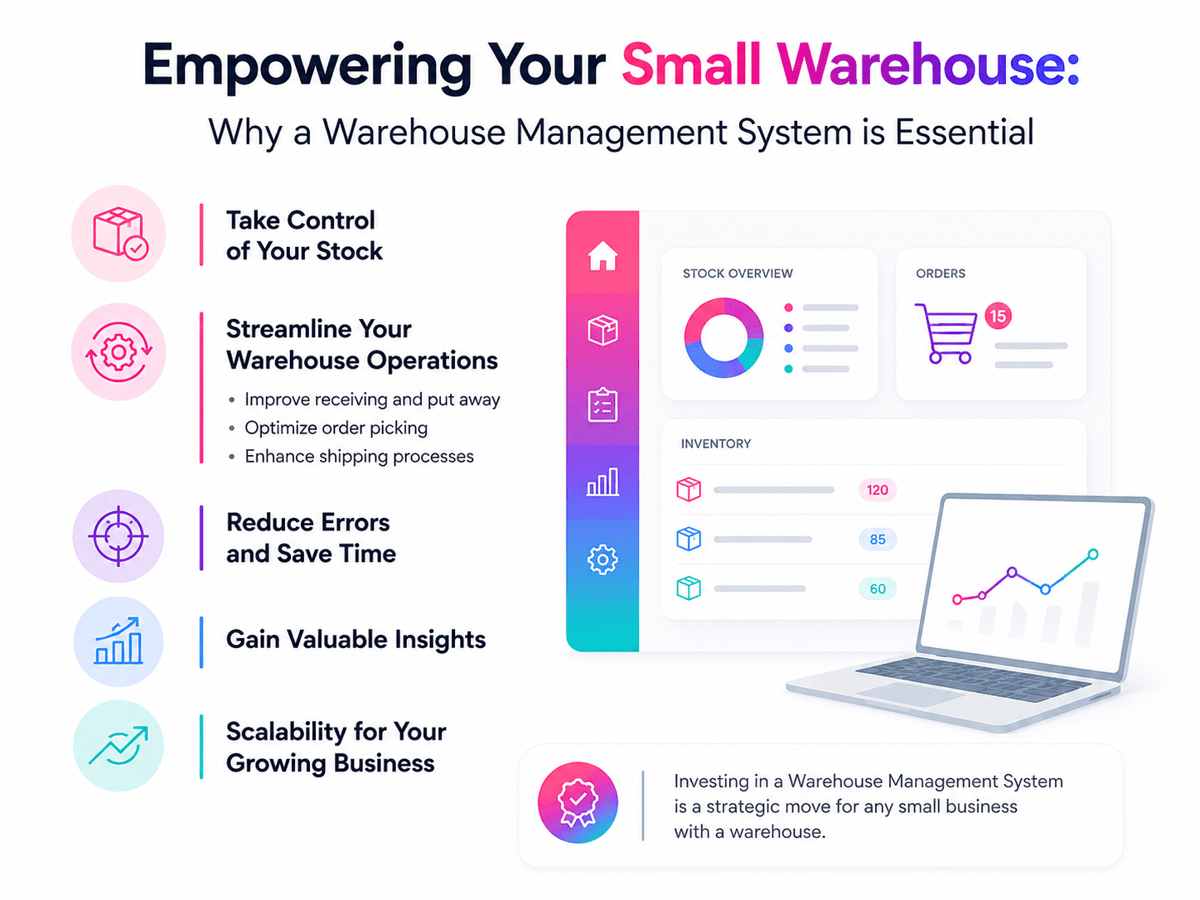
Warehouse management for small businesses shapes how fast orders move, how often stock errors happen, and how much cash stays tied up on shelves. When stock lives in sheets or paper notes, teams spend more time on counts than on shipping. That drag grows fast as sales volume, product lines, and storage spots increase.
Small firms often feel these problems before larger ones. A few missed picks, late reorders, or stockouts can hurt margins in one month. Strong warehouse management creates control, which makes growth more stable and daily work less reactive.
Growth gets harder without clear stock control
Growth adds depth before it adds headcount. More SKUs, more suppliers, and more orders create more chances for mistakes. For example, a basic process may work at 50 orders a week, but it often breaks at 200.
That is where small business warehouse inventory software starts to matter. It keeps stock data current and gives staff one source of truth. Teams can see what is on hand, what is held, and what needs reordering with no file chasing.
Better buy calls also follow from clearer views. Owners can spot slow-moving items before they drain cash. They can also avoid rush purchases that raise freight costs and cut into margin.
Efficiency improves with warehouse management for small businesses
Efficient sites rely on repeat steps. A good warehouse inventory software setup helps receipt, putaway, pick, and ship follow the same logic each day. That cuts training time and lowers the risk of costly workarounds.
For many teams, a simple warehouse management system is enough to create that structure. It can guide stock placement, track order status, and cut manual entry. As order volume rises, a stronger WMS for small businesses can support faster picking and better labor use.
Clean data matters for buyer trust, too. Correct counts cut backorders, split ships, and refund requests. Over time, reliable warehouse management supports better service with no added overhead. The right tool gives small teams room to grow with no loss of control. That is why many firms move from manual tracking to a warehouse management system software for a small business, then later add a barcode scanning guide.
Key Features to Look for in Small Business Warehouse Inventory Software
The right small business warehouse inventory software gives owners clear stock views with no extra admin work. Strong warehouse management for small businesses starts with tools that match daily order volume, staff size, and storage depth.
A good tool should track stock live, not at day’s end. That matters when a growing team needs fast picks, fewer stockouts, and fewer manual checks. Reliable warehouse inventory software also helps small firms spot slow-moving items before cash gets tied up on the shelf.
Core tools that support daily accuracy in warehouse inventory software
Warehouse management for small businesses works best when stock records are updated after every receipt, move, and sale. Livestock tracking cuts count errors and gives buyers a more accurate view of what is open.
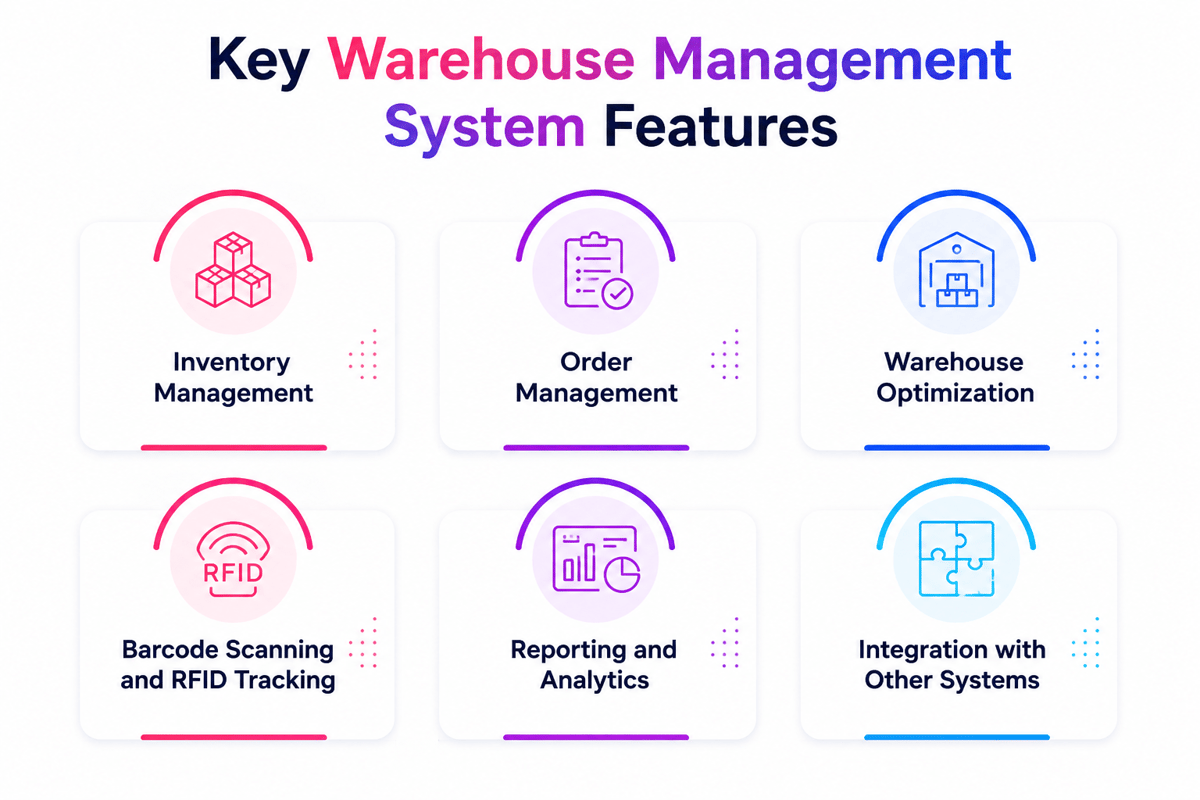
Barcode scanning is a core feature. It speeds up receipt, picking, and cycle counts while reducing keying errors. For many teams, this matters more than advanced reports at the start.
Bin tracking deserves close attention. Even a small stockroom becomes hard to manage when items are stored on overflow racks or in back rooms. A simple warehouse management system with bin spots helps staff find goods fast, and cuts wasted walking time.
Order tools should also link stock levels with sales activity. That link helps stop overselling and supports faster fill. Many firms also benefit when warehouse stock control software can handle returns, damaged goods, and low-stock alerts in one place.
Features that help warehouse management for small businesses grow
Also, reports should show clear numbers, not just large dashboards. Small teams often need sales by SKU, stock aging, order clean data, and reorder points. Those reports make warehouse management for small businesses more real by supporting fast calls.
On top of that, links with accounting, ecommerce, and shipping tools save time. When orders, stock, and invoices stay in sync, staff spend less time fixing mismatched records. That makes WMS for small businesses more effective across the whole op, not just inside the warehouse.
Ease of setup matters as much as feature depth. A bulky tool may suit a large firm, but a small op often needs warehouse management software for a small business that staff can learn in days, not months. Mobile access can also help leads check stock, approve counts, and review tasks from the floor.
The best warehouse management system for a small business balances control, speed, and ease. When those features work together, the tool becomes a solid foundation for better small-stock tips.
Connect Shopify, draw your floor, pick an order - free plan, 7-day full trial, no credit card, no sales call.
How Warehouse Stock Control Software Improves Accuracy and Cuts Costs
Warehouse stock control software gives small teams a clearer view of stock movement. It records receipts, picks, returns, and transfers as they happen. That view matters because manual logs often hide errors until orders ship late or stock runs out.
Better data supports better warehouse management for small business calls. Owners can spot slow-moving items, adjust reorder points, and avoid rush purchases. A strong warehouse inventory software setup also cuts the time staff spend checking shelves by hand.
Real-time tracking cuts inventory errors
For example, most stock mistakes start with delayed syncs or double entries. A good small business warehouse inventory software tool keeps a live record across receipt, storage, and shipping. Staff work from the same numbers, which lowers the risk of overselling or lost goods.
Barcode scanning plays a big role in clean data. Each scan confirms the item, count, and spot in seconds. For warehouse management for small businesses, that means fewer pick mistakes and fewer buyer credits.
A simple warehouse management system can also flag odd activity early. Sudden stock drops, repeated count changes, or missing spots stand out faster. Teams can fix the root cause before shrinkage grows into a higher cost.
Lower costs with warehouse stock control software
Also, labor costs fall when stock data stays current. Staff no longer spend hours on manual counts, sheet checks, or order fixes. A reliable WMS for small businesses shortens those tasks and frees time for shipping and receiving.
Buy costs often drop as clean data improves. Clear stock levels cut emergency orders, split ships, and excess safety stock. That is one reason warehouse management for a small business often pays back faster than expected.
Storage costs also become easier to manage. Fast-moving items can sit closer to pack stations, while slow sellers take less valuable space. With the right warehouse management system software for small businesses, layout calls rely on real move data, not guesswork.
Over time, fewer errors lead to fewer returns, write-offs, and service issues. That cost control is what makes warehouse management for small businesses more than a tracking tool. It becomes a real way to protect the margin. For broader context, see the warehouse software guide. You can also find good real-world views in this community discussion.
Simple Warehouse Management System vs Complex Warehouse Inventory Software
Warehouse inventory software usually handles the core stock tasks first. It tracks counts, spots, receipts, and sales across one or more channels. For many teams, that level of control brings enough structure to support warehouse management for a small business with no added process.
A simple warehouse management system goes further into the daily floor flow. It supports directed picks, putaway rules, barcode scans, and task control by the user. That difference matters when order volume rises, and the warehouse team needs tighter work.
Where the difference shows up
Small business warehouse inventory software often fits firms with stable layouts and simple order paths. Staff can find stock fast because the op still relies on team knowledge. In that setting, basic receipt and stock syncs may cover most needs.
A WMS for small businesses becomes more valuable as warehouse movement grows more complex. Fast-moving items need fixed logic, not memory. Returns, restock, and multi-bin storage also create pressure that plain stock tools may not handle well.
The split is not about firm size alone. It is about process depth. A retailer with 2,000 SKUs and frequent daily picks may need more control than a wholesaler with twice the space but fewer steps.
How to match the simple warehouse management system to your op
If the main need is stock view, warehouse stock control software may be enough. It helps cut overselling, missed purchase orders, and manual count errors. Many firms start there because the setup is faster and the training is lighter.
But when the goal shifts to labor control, pick speed, and floor clean data, a broader tool makes more sense. It supports repeat flows that cut reliance on one skilled worker. That creates a stronger base for growth.
In practice, the best choice depends on how work moves each day. A lean op may do well with small warehouse inventory management software for years. Once task routing, scan-based work, and bin discipline become key, the next step is true stock control basics.
When a WMS for Small Business Becomes the Better Choice
A sheet or basic tool can work for a while. Growth changes that fast. When orders rise, stock moves across more bins, and returns increase, warehouse management for a small business needs tighter control.
This shift often starts with small signs. Staff spend too much time looking for items. Pick errors show up more often. Leads also lose trust in stock counts because data syncs lag behind daily work.
Signs the business has outgrown basic tools
A basic warehouse inventory software setup usually tracks counts well enough. It starts to strain when the site handles more spots, more users, or more order types. Multi-channel sales can make that strain clear within weeks.
When the team uses workarounds each day, the tool no longer fits. Common examples include manual rekeying, paper pick lists, and end-of-day stock syncs. Those gaps slow calls and raise the cost of each order.
A simple warehouse management system may still suit a very small op. The better choice becomes a fuller WMS when the firm needs directed picks, barcode scans, live stock moves, or user rights. Those features cut mistakes at the point where they happen.
What a wms for small business changes in daily ops
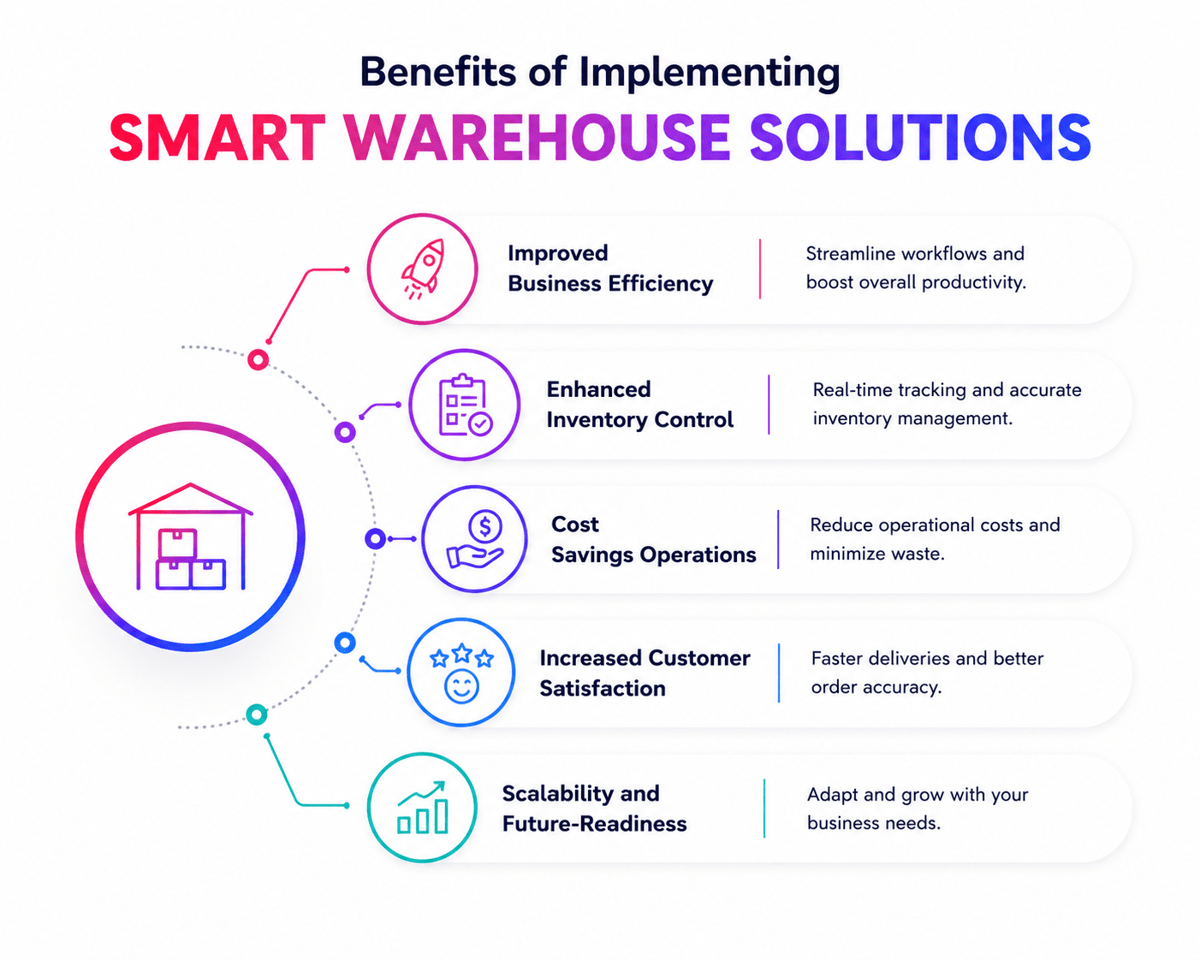
Furthermore, a stronger tool changes how work flows each day. Receipts become faster because staff can assign stock to the correct location at once. Picks improve because the tool guides workers through the site in a clear order.
That matters most when errors carry real cost. Wrong picks create reships, refunds, and extra labor. Good warehouse management system software for small businesses cuts those losses by tying each task to a scan, a user, and a spot.
Leads also gain cleaner data. A solid small-warehouse inventory management software setup shows what arrived, what moved, and what shipped, with no waiting for manual syncs. That view helps buyers reorder sooner and gives sales teams more confidence to promise dates.
Cost control improves as well. A WMS can delay the need for extra hires because each worker completes more tasks per shift. For many teams, the better choice shows up when growth depends on speed, clean data, and reliable inventory tracking.
How to Evaluate Warehouse Management System Software for Small Business
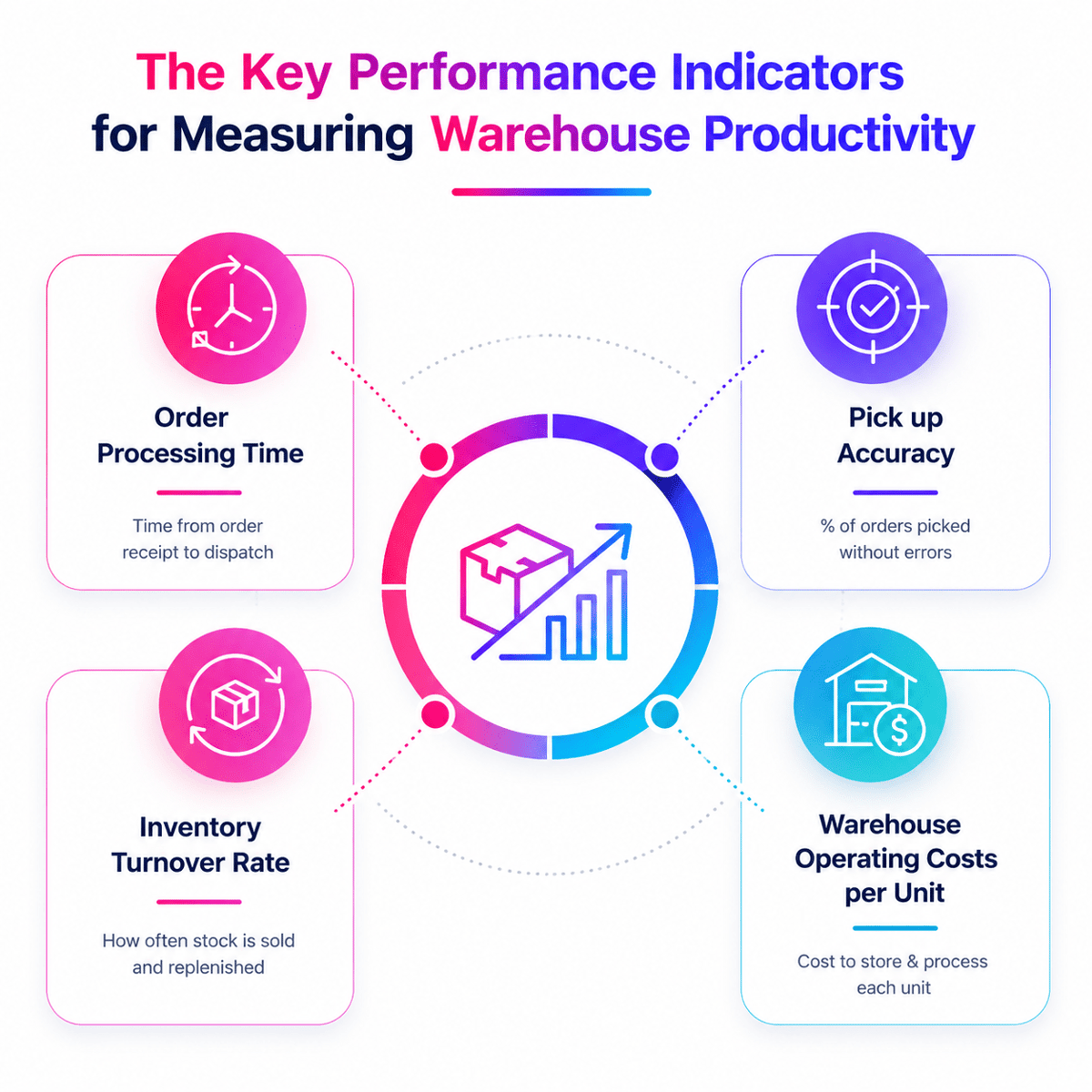
A good review starts with daily floor work, not feature lists. The right fit depends on order volume, product range, staff size, and sales channels. Warehouse management for a small business works best when the tool matches real tasks on the floor.
For example, a short demo can look polished and still miss key needs. Many teams find gaps only when they test receipt, putaway, picks, and returns. That is why warehouse management for small businesses should be judged by flows, not sales claims.
Match warehouse management system software to your core ops
First, start with the jobs your team repeats each day. A strong warehouse management system for small businesses should track stock in real time, support barcode scanning, and reduce manual data entry. If the tool adds extra clicks, staff will avoid it.
Look closely at how the tool handles growth, too. A basic, simple warehouse management system may suit one location and a small SKU count. As orders rise, you may need more advanced WMS features for a small business, such as bin tracking, reorder rules, and user rights.
Links also matter during review. Your warehouse inventory software should link cleanly with ecommerce, accounting, and shipping tools. When data moves with no rekeying, teams spend less time fixing errors.
Compare cost, support, and ease of use
In practice, price alone rarely shows the full value of a tool. Monthly fees, setup work, training time, hardware needs, and support plans all affect total cost. The best choice often balances lower risk with steady gains in speed and clean data.
Ease of use deserves close attention. Good small business warehouse inventory software helps new staff learn tasks fast and complete them with fewer mistakes. Clear screens, simple navigation, and role-based views often matter more than long feature menus.
Vendor support can shape results after purchase. A provider should offer setup help, response times you can trust, and product syncs that solve real floor problems. That level of service often separates average tools from the best warehouse management system for small businesses.
Ask vendors for a trial based on your own data and order flow. That test reveals whether the tool can support clean picks, faster receipts, and a future multi-channel selling guide. You can also check Forbes software rankings to see how tools are rated across the market.
Best WMS for Small Business by Use Case
The best WMS for small businesses depends on daily order volume, product mix, and team size. A retailer with one stockroom needs different tools than a wholesaler shipping pallets each day. Strong warehouse management for small businesses starts with a tool that fits current work with no extra steps.
Some teams need basic receipts, stock counts, and reorder alerts. Others need barcode scans, bin tracking, returns, and carrier links. The right small warehouse inventory management software matches the pace and depth of the op.
Best fit by small business type
A simple warehouse management system often suits early-stage firms with one location and a small catalog. It keeps stock visible, cuts manual counts, and helps staff find items faster. For many owners, that level of control is enough for the next stage of growth.
For instance, brands with fast online sales often need deeper warehouse inventory software. Live stock syncs matter when the same item sells across a website, market, and retail counter. In that case, warehouse management for small businesses works best when the tool links stock, orders, and shipments in one flow.
Wholesale and B2B ops usually need stronger pick rules and better lot control. A more advanced WMS for small businesses can support case picks, bulk storage, and buyer-specific pack needs. That cuts ship errors and short orders.
What different systems handle well
Small business warehouse inventory software works well for firms that need clear stock views with no complex floor logic. It usually covers purchase orders, cycle counts, and low-stock alerts. That makes it a real choice for lean teams with limited training time.
Warehouse stock control software becomes more valuable when stock clean data drives margin. Food, parts, and health items often need expiry dates, lot tracking, or tighter count controls. Those features help stop write-offs and support cleaner audits.
The best warehouse management system for small businesses often includes mobile scans and flexible reports. Good warehouse management system software for small businesses also makes labor easier to track by task and shift. That view helps owners spot jams before service levels drop.
- Single-location retail stockrooms benefit from simple stock and reorder tools
- Omnichannel sellers need synced stock, fast picks, and ship links
- Wholesalers need bin control, batch handling, and order rules
- Regulated items need traceability, count discipline, and audit support
Overall, the strongest choice supports today’s load and next year’s growth. For a broader view of layout and process gains, review these warehouse optimization tips.
Conclusion
The right tool matches order volume, stock depth, and team size. It should make daily work faster, cut stock errors, and give clear data with no extra steps.
Some firms need a simple warehouse management system to replace sheets and manual counts. Others reach a point where warehouse management system software for small businesses supports barcode scans, live stock views, and cleaner pick flows. The best choice depends on what your op needs now and what it may need next year.
Strong warehouse management for small businesses creates control across receipt, storage, picks, and shipping. It helps teams find stock faster and avoid costly miscounts. That matters when margins are tight, and buyer hopes stay high.
For example, if stockouts, late shipments, or manual rework happen often, the need is already clear. The right warehouse inventory software can cut those issues and support steadier growth. Compare tools against your flow, not against sales claims. Review setup time, support strength, and total cost over time. Then shortlist the option that gives your team better control today and a real path forward for warehouse management for small business. If your op also sells online, this guide to ecommerce fulfillment guide offers a good next step.
 Google AI
  OpenAI ChatGPT
 Frequently Asked Questions
What is warehouse management for a small business?
Warehouse management for small businesses is the process of organizing stock, storage, picking, packing, and shipping in a way that saves time and reduces errors. It helps smaller companies track inventory accurately, improve order fulfillment, and make better use of limited space, staff, and budget without adding unnecessary complexity.
Why is warehouse management important for small businesses?
Good warehouse management helps small businesses avoid stockouts, overstocks, and fulfillment mistakes. It improves inventory accuracy, supports faster order processing, and gives better visibility into daily operations. With the right tools, such as warehouse stock control software or a simple warehouse management system, businesses can lower costs and serve customers more reliably.
What features should small business warehouse inventory software include?
Small business warehouse inventory software should include real-time stock tracking, barcode scanning, order management, low-stock alerts, reporting, and easy integrations with ecommerce or accounting tools. A useful warehouse inventory software platform should also be simple to train on, affordable to maintain, and flexible enough to support growth as operations become more complex.
How do I choose the best WMS for a small business?
To choose the best WMS for small business needs, start by reviewing your order volume, product range, storage layout, and budget. Look for warehouse management system software for small business that is easy to use, scalable, and able to connect with your current systems. The best warehouse management system for small business should solve today’s issues while supporting future expansion.
Can a simple warehouse management system help a growing company?
Yes, a simple warehouse management system can be a strong starting point for a growing company. It can improve stock visibility, reduce manual entry, and create more consistent workflows. For many teams, warehouse management for small business starts with practical tools that solve core problems first, then expands into more advanced features as demand increases.
When should a small business upgrade to warehouse management software?
A small business should upgrade when spreadsheets and manual processes begin causing delays, stock errors, or poor visibility. If order volume is rising, returns are harder to track, or staff spend too much time checking inventory, small warehouse inventory management software or a wms for small business can improve control, efficiency, and decision-making.
I specialize in building scalable eCommerce systems powered by AI and automation. My work focuses on growing sales across Amazon, eBay, and Etsy through technology integration, data-driven strategies, and performance optimization. I also publish articles and insights about eCommerce technology, warehouse operations, and multichannel growth.
You may also like

Multi-Carrier Shipping Software: The Complete Guide to Smarter Ecommerce Shipping
Learn how multi carrier shipping software improves ecommerce fulfillment by comparing rates, automating labels, tracking orders, and simplifying returns. This brief outlines the key benefits, features, use cases, and buying criteria for growing online stores.

Top Ecommerce Fulfillment Companies: How to Choose the Right Partner for Growth
Choosing among top ecommerce fulfillment companies can improve delivery speed, inventory accuracy, and customer satisfaction. This brief outlines what business readers should look for, how to compare providers, and when to use U.S.-based fulfillment support.

Ecommerce Integration: A Practical Guide for Growing Businesses
This article brief outlines a practical guide to ecommerce integration for business readers. It covers platforms, software, ecommerce website integration, webshop integration, key benefits, use cases, selection criteria, implementation tips, and ways to measure long-term value.