
Inventory database: key features and how it improves order accuracy
 Fiftify Team
·
· 9 min read
Fiftify Team
·
· 9 min read

Most stock problems start before anyone notices an empty shelf. Teams trust spreadsheets, purchase notes, and memory. Then one wrong count turns into three late orders. An inventory database gives stock data a reliable home. It connects items, quantities, locations, suppliers, and order history. Without that link, every inventory order carries extra risk.
Bad data creates expensive stock decisions
The system may show twenty units in storage. The warehouse team may find only eight. That gap leads to rushed buying, missed sales, or both.
I have seen teams blame demand forecasts first. The real issue sat inside their records. Old counts, duplicate SKUs, and delayed updates hid the truth.
A strong inventory management database makes those gaps easier to catch. Staff can see who changed stock, when, and why. That history matters when orders start going wrong.
Control starts with trusted records
Accurate stock control rarely comes from more meetings. It comes from clean records and clear ownership. People need one place to check before they act.
When teams share the same data, decisions become calmer. Buyers stop padding orders to cover uncertainty. Warehouse staff stop hunting through messages for answers.
The best systems do not make inventory work magically. They make errors harder to ignore. That single shift can cut waste, shortages, and rework.
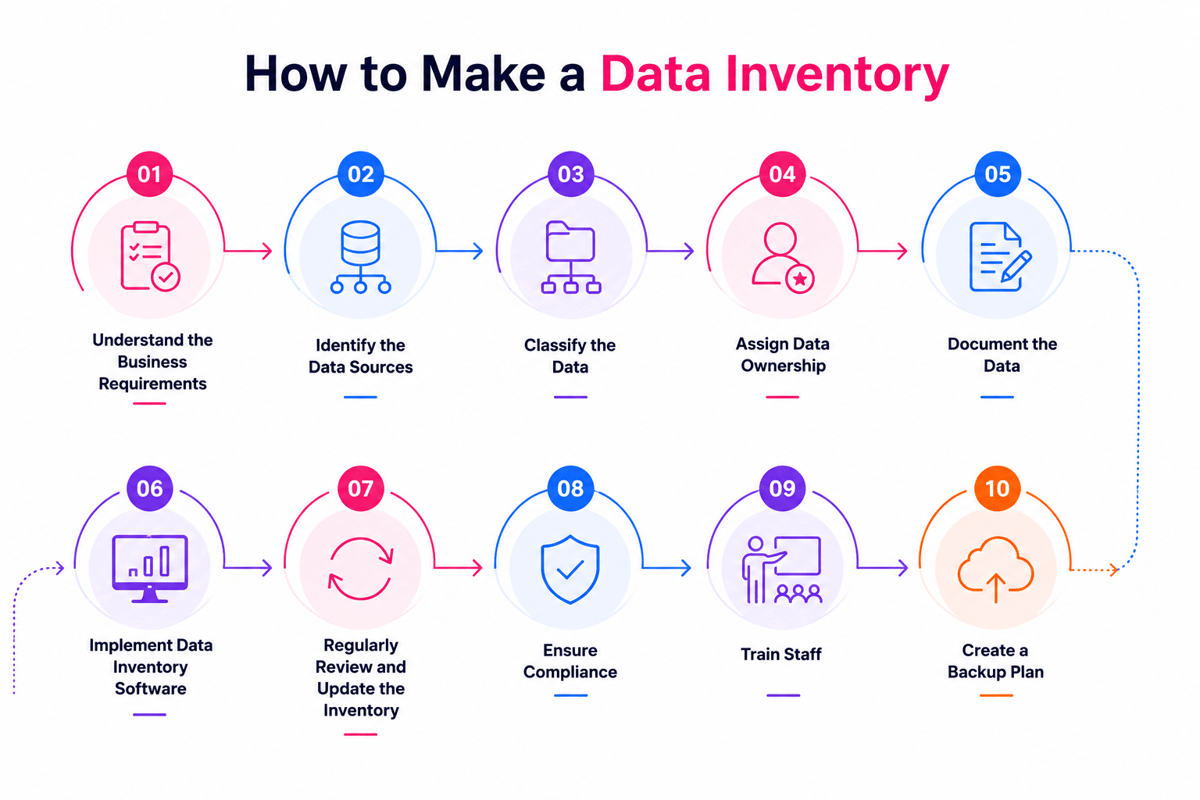
Connect Shopify, draw your floor, pick an order - free plan, 7-day full trial, no credit card, no sales call.
What is an inventory database and why does it matter?
Most stock problems start before anyone notices them. The shelf looks full, but the numbers lie. An inventory database keeps those numbers tied to reality.
It stores product records, quantities, locations, suppliers, costs, and movement history. When teams share one source, fewer mistakes reach customers.
What stock records should show
A strong inventory management database holds more than item counts. It connects each SKU to purchase history and stock rules.
That detail matters when demand changes fast. Without it, buyers guess during every inventory order. Guessing often creates overstock in one location.
Another location runs dry by Friday. Good records also show timing patterns. Slow suppliers need earlier reorder points.
Why clean data changes decisions
The real value appears during routine choices. Can sales promise delivery today? Should the purchasing place another order this week?
When the data updates quickly, teams answer with confidence. They stop sending Slack messages for basic stock checks. Small delays disappear before they create missed sales.
Bad data creates quite a lot of damage across the business. Warehouse teams pick items that no longer exist. Finance carries stock value that no one can sell.
An inventory database matters because it reduces those hidden gaps. It turns stock decisions from guesswork into daily control. That control becomes the foundation for reliable inventory tracking.
Key features of an effective inventory database
The system can look clean and still mislead buyers. A weak inventory management database hides stock gaps until orders fail.
Strong databases do not just store item names. They connect counts, locations, orders, and decisions.
Clean product records and stock counts
Every useful inventory database starts with clean item records. SKUs, barcodes, units, costs, suppliers, and locations need one home.
Duplicate products cause quite a lot of damage across purchasing. One buyer orders the wrong case pack, and margins disappear.
Livestock counts matter more than polished dashboards. The count should change when sales, returns, transfers, or adjustments happen.
Free customizable inventory list templates can help teams compare field names. They also reveal missing data before migration starts.
Order controls and accountability
A good database flags reorder points before shelves run dry. The best setups also account for lead times and demand swings.
That detail changes every inventory order. Buyers stop guessing and start ordering from current stock facts.
Permissions matter more than many teams expect. When everyone can edit counts, nobody owns the mistake.
- Audit trails show who changed stock and when.
- Role access keeps receiving, buying, and finance aligned.
- Supplier fields show cost breaks and order minimums.
Reports should answer practical questions quickly. Which items sit too long in storage? Which products stock out every Friday?
Integrations also decide how accurate the data is. Sales channels, scanners, accounting tools, and shipping systems need shared records.
The database works when teams trust it during busy days. That trust starts with accurate warehouse inventory tracking.
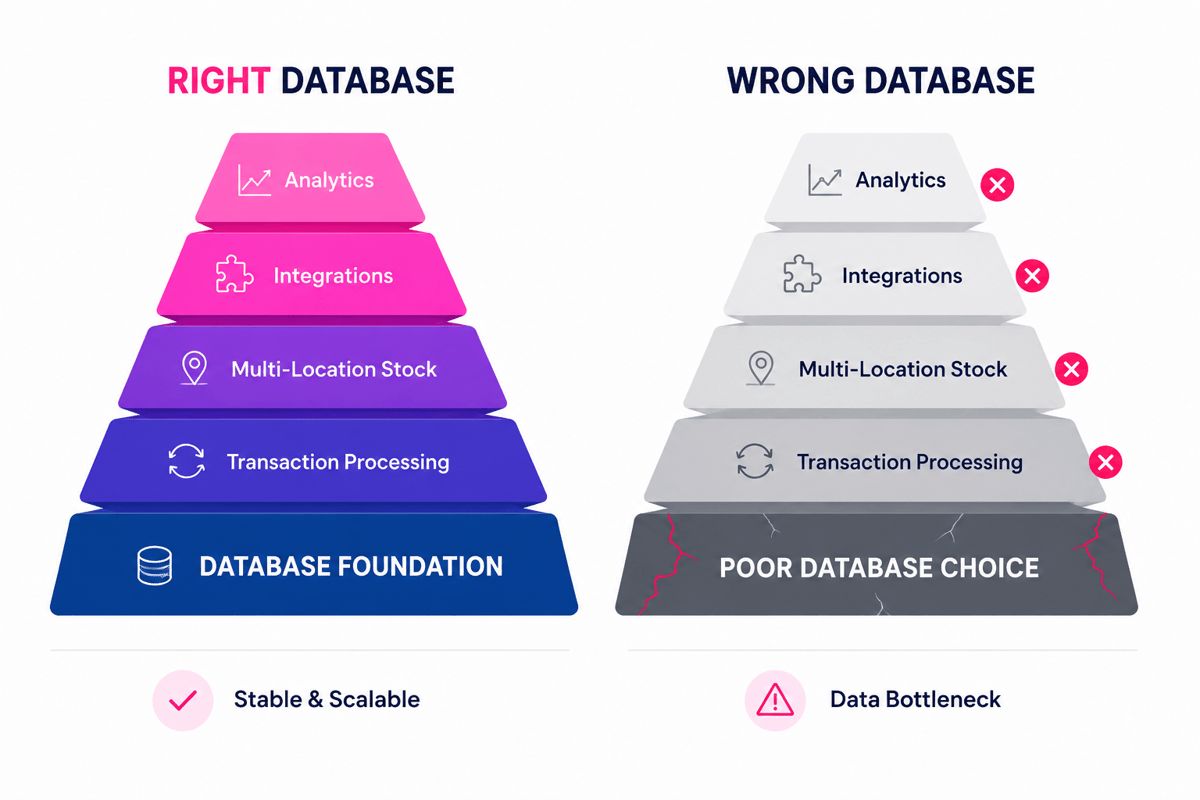
How an inventory database improves inventory order workflows
Bad orders rarely start with bad buyers. They start with stale counts and hidden substitutions. A strong inventory database fixes that before purchasing begins.
Most teams notice problems after the stock arrives. The real damage happened days earlier, inside the order workflow. Wrong quantities create rush fees, backorders, and awkward customer calls.
From guesswork to clean orders
An accurate record changes how buyers place each inventory order. They see current stock, open purchase orders, and committed demand. That view stops duplicate orders before they leave the building.
Without that record, teams pad quantities to feel safe. Safety stock then turns into dead stock fast. One distributor I saw held six months of slow movers.
The database also turns ordering rules into shared knowledge. Minimum levels, preferred suppliers, and pack sizes sit together. New staff stop copying old orders without context.
Fewer touches and faster approvals
Manual ordering creates errors at every handoff. A spreadsheet leaves room for copied rows and missed cells. An inventory management database keeps the source record in one place.
That single record cuts approval delays. Managers review exceptions instead of every line item. Buyers spend more time checking demand patterns.
Automation works best when teams keep rules simple. Reorder points should match real lead times. Supplier minimums should reflect actual buying terms.
Messy rules create confident mistakes at scale. Clean rules create steady orders and fewer surprises. That base fits a barcode inventory management system for a small business.
Inventory database use cases for retail, ecommerce, and B2B teams
Retailers feel inventory problems at the shelf. A wrong count creates empty hooks and rushed orders. An inventory database connects sales, receiving, and replenishment signals.
This keeps buyers from ordering against stale reports. The real value shows up during busy days. Stock data must move as fast as demand.
Retail stock control in practice
In stores, timing matters more than perfect dashboards. A promotion can drain one location by noon. Store teams need live counts before placing an inventory order.
Good retail databases track size, color, and location. That detail prevents the classic backroom surprise. The system says unavailable, but boxes sit upstairs.
Reorder points also need local context. One city sells raincoats all week. Another location needs sunscreen during the same campaign.
Ecommerce and B2B order control
Ecommerce teams face a different failure pattern. The site sells faster than the warehouse updates. Overselling starts small, then support tickets pile up.
An inventory management database separates sellable stock from total stock. That distinction matters after returns, holds, and damage. A shared inventory database stops channels from fighting for stock.
B2B teams add price rules, contracts, and approvals. Each rule needs accurate stock before approval. That need often pushes growing teams toward cloud-based inventory software.
How to choose or build the right inventory database
Many teams outgrow spreadsheets before they admit it. The file still opens, but trust disappears. Buyers start checking shelves before every inventory order.
The right inventory management database matches daily work, not wishlist features. A complex system can slow good teams down. A thin system can hide stock problems until shipping fails.
Start with real inventory workflows
Strong selection starts with the messy parts. Where do counts drift during normal weeks? Which approvals delay every large inventory order?
A good inventory database should mirror those pressure points. It should track item IDs, locations, suppliers, and reorder rules. Teams also need audit trails for quantity changes.
Custom builds make sense when workflows differ sharply. Food distributors, for example, track lots and expiry dates. Standard tools often miss those details without costly workarounds.
Compare build, buy, and hybrid options
Buying works when your process already follows common patterns. Retail teams often need barcode scans, transfers, and stock alerts. A packaged system can cover those needs quickly.
Building works when stock logic drives the business. One B2B team may reserve inventory by customer contract. Another may split available stock across sales channels.
Hybrid setups often solve the hardest middle ground. The core platform handles products, counts, and purchasing. Custom fields cover exceptions without rebuilding everything.
Cost should include cleanup, training, and bad data fixes. Migration usually exposes duplicate SKUs and missing supplier records. Those issues create order errors after launch.
Testing matters more than polished demos. Run real orders through the system before signing. Include backorders, partial receipts, returns, and supplier delays.
The best choice gives teams fewer places to check. Buyers see reorder needs before stock runs out. Warehouse staff confirms counts without chasing spreadsheet notes.
Start small if the decision feels risky. One warehouse or product line can prove the setup. Measure order accuracy, stock gaps, and receiving time.
The right inventory database also connects cleanly with order management software.
Conclusion
Accurate stock control starts with trusted data. An inventory database gives teams one place to track stock, orders, suppliers, and movement.
When that data stays current, every inventory order improves. Buyers order what sells, not what reports guessed last week.
The main takeaway
A strong inventory management database does not fix broken habits. It exposes them before they cost more money.
The dashboard may show plenty of stock. The warehouse floor often tells a different story.
That gap creates refunds, delayed shipments, and rushed supplier calls. Better data cuts those mistakes before customers feel them.
Inventory database: a practical next step
The best starting point is usually simple. Compare your system records against one busy product line.
Check stock counts, open orders, supplier lead times, and returns. Small mismatches often reveal the biggest process problems.
If the numbers disagree, trace where the data breaks. Most issues start with late updates, skipped scans, or unclear ownership.
What inventory problem keeps showing up in your team? Share your experience, or start by reviewing better inventory management solutions.
 Google AI
  OpenAI ChatGPT
 Frequently Asked Questions
What is an inventory database?
An inventory database is a structured system for storing and managing information about products, stock levels, suppliers, locations, and inventory order history. Businesses use it to track what they have, where items are stored, when to reorder, and how stock changes over time. It helps improve accuracy, reduce shortages, and support better inventory decisions.
What does an inventory list in a database dataset mean?
An inventory list in a database dataset is a collection of records that describe stock items in a structured format. Each record may include product names, SKUs, quantities, prices, categories, and storage locations. This dataset allows teams to search, filter, update, and analyze inventory information more efficiently than using a manual list.
How do you build an inventory database?
To build an inventory database, start by defining the data you need to track, such as item name, SKU, quantity, supplier, cost, and reorder level. Then create tables, set unique identifiers, and establish relationships between items, suppliers, and orders. Add forms or interfaces for data entry and reports for stock monitoring.
How do you create a website inventory database?
To create a website inventory database, connect your website to a backend database that stores product and stock data. Common options include MySQL, PostgreSQL, or cloud database services. The website should allow authorized users to add products, update quantities, process inventory order records, and display real-time stock availability to customers or staff.
How do you create an inventory database in Excel?
To create an inventory database in Excel, set up columns for item ID, product name, category, quantity, supplier, cost, and reorder point. Use data validation to reduce errors and formulas to calculate totals or low-stock alerts. Excel works well for small businesses, but larger teams may need an inventory management database with stronger controls.
How do you create an inventory database in Microsoft Access?
To create an inventory database in Microsoft Access, build separate tables for products, suppliers, stock movements, and orders. Use primary keys to identify records and relationships to connect tables. Then create forms for easy data entry and reports for stock levels, reorder needs, and inventory order tracking. Access is useful for small to mid-sized inventory systems.
Sync inventory in real time, manage orders, and run warehouse operations across Amazon, eBay, Etsy, Shopify, and other sales channels. From barcode scanning to organized storage and faster fulfillment, Fiftify helps reduce errors, prevent overselling, and support business growth. Explore our articles for insights on warehouse management, inventory control, and multichannel operations.
You may also like

Reusable shopping bags: why retailers switch for sustainable packaging
Sustainable packaging is becoming an important part of modern e-commerce and retail. Reusable shopping bags help businesses reduce packaging waste while creating a practical and visible extension of their brand. This article explores why retailers are adopting reusable bags, how bulk and custom options support different business needs, and what to consider when building a more sustainable packaging strategy.
Hardware inventory software vs manual IT asset tracking
Choosing the right hardware inventory software helps teams track devices, control costs, improve compliance, and plan upgrades with confidence. Read on to discover key benefits, use cases, selection criteria, and best practices for smarter IT asset management.
Material inventory software for tracking raw materials in production
Learn how material inventory software helps businesses track raw materials, reduce waste, prevent stockouts, and connect purchasing with production. Benefits, key features, use cases, comparisons, and practical selection tips for teams ready to improve inventory control.