
Phantom inventory: what causes it and how to find and prevent it
 Morgan Reed
·
· 7 min read

Phantom inventory is stock that your system shows as on hand, but your team cannot find on the shelf. For multichannel sellers, the gap is costly, because the same missing unit can sell on Shopify, Amazon, eBay or Etsy at once. As a result, a bad count turns into a canceled order and an unhappy buyer.
What is phantom inventory?
Phantom inventory is a mismatch where your inventory records show more stock than the shelf really holds. Many teams also call it ghost inventory. The item looks available in the software, yet it is missing, damaged, in the wrong bin or already sold.
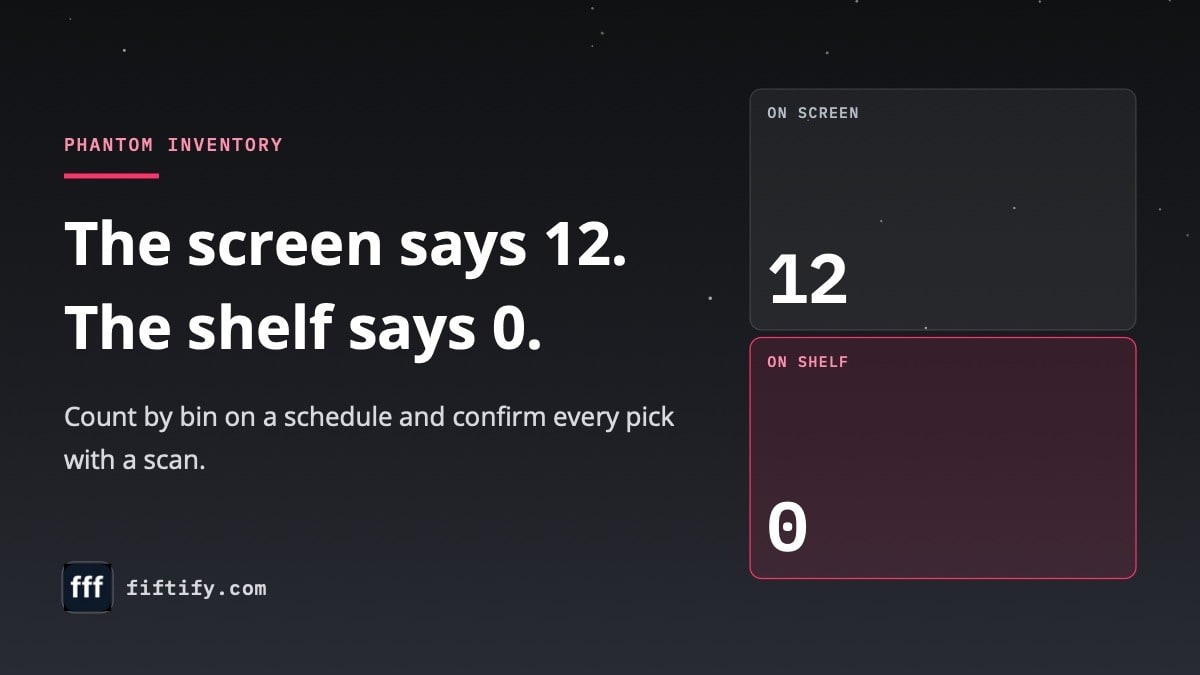
For example, your system says bin A-04-2 holds 12 units. Then a picker walks to the bin and finds 0. The software keeps offering those 12 units to buyers until someone fixes the record.
So the real problem is not just a wrong number. It is a promise to a buyer that your warehouse cannot keep. On top of that, phantom inventory hides real demand, because a product with no stock never shows up as out of stock.
- Your system shows stock, but pickers find an empty bin.
- A SKU sells online, then packing finds only damaged units.
- A count finds the stock in the wrong bin or warehouse.
- Orders fail again and again for the same SKU.
Phantom inventory vs ghost inventory and shrinkage
Phantom inventory and ghost inventory usually mean the same thing. Some teams also use “ghost inventory” for the opposite case: stock on the shelf that the system does not know about. Either way, the stock count and the shelf disagree.
Shrinkage is a different idea. It means real stock is gone because of theft, damage, loss or supplier errors. In short, phantom inventory is the record problem, and shrinkage is one possible reason behind it.
This table shows how the terms differ.
| Term | What it means | Typical sign |
|---|---|---|
| Phantom inventory | Records show stock the shelf does not have | Pickers cannot find the item |
| Ghost inventory | Another name for phantom inventory | Available stock is not real |
| Unrecorded stock | The shelf has stock the records miss | A count finds extra units |
| Shrinkage | Real stock is lost, stolen or damaged | Count is lower than records |
Researchers at MIT studied how retail stores can detect hidden stock gaps from sales data. The practical lesson for a warehouse is simple: an item that the records show in stock but that stops selling deserves a check.
Connect Shopify, draw your floor, pick an order - free plan, 7-day full trial, no credit card, no sales call.
What causes phantom inventory
Phantom inventory starts when stock moves and the record does not. A unit gets received, picked, returned or moved, but nobody scans that step. After that, the system and the shelf tell two different stories.
The table below lists the most common causes and the fix for each one.
| Cause | What happens | Fix |
|---|---|---|
| Wrong receiving count | Extra units appear in stock | Receive against purchase order lines |
| Unscanned pick | Sold units stay in stock | Confirm every pick with a scan |
| Unchecked return | Damaged stock becomes sellable | Inspect returns before restock |
| Unrecorded bin move | Stock sits in the wrong place | Scan the bin on every move |
| Separate channel counts | One channel sells stock that is gone | Use one stock pool for all channels |
Receiving and put-away errors
Receiving is a common starting point. If the purchase order says 50 units arrived but the carton held 45, the 5 missing units become ghost inventory before the first sale.
Put-away adds a second risk. When a worker puts stock in a different bin than planned, the item exists, but nobody can find it.
Picks, returns and manual changes
Picking errors create the same problem from the other side. A picker takes the last unit, but the system still shows one left if no scan confirms the pick.
Returns can also add false stock. A refunded order may go back to available stock before anyone checks its condition. Finally, manual count changes without a reason hide the trail you need to learn what went wrong.
Why phantom inventory hurts multichannel sellers
For a seller on one channel, phantom inventory is a nuisance. For a multichannel seller, it spreads. The shelf is empty, but every connected channel keeps showing the item for sale.
A study of store backrooms linked inventory record errors to waste. In the same way, a warehouse that feeds several channels pays for every wrong record more than once.
- One unit sells to two buyers on two marketplaces.
- Pickers lose time searching bins, carts and return areas.
- Reorders come late, because the system shows stock you cannot use.
- Late or canceled orders can hurt your marketplace seller metrics.
That is why multi-channel inventory management starts in the warehouse, not in the listings. If the shelf count is wrong, every channel gets the same wrong number.
How to find phantom inventory
The fastest way to find phantom inventory is to compare the stock count in your system with the shelf. Start with the SKUs that cause the most order problems, because the gaps hide where stock moves fast.
Warning signs to watch
- Orders go to SKUs that pickers cannot find.
- A bin still shows stock after the last unit shipped.
- A product needs frequent manual count changes.
- Returns appear as available before inspection.
- A purchase order shows as fully received, but the cartons were short.
- An item with steady sales suddenly stops selling.
The last sign is easy to miss. If a popular SKU shows stock but has had no sales for days, the stock may not exist. So check that bin first.
Count by bin on a schedule
Cycle counts find gaps before buyers do. Count a small group of high-risk SKUs each week, then compare each result with the system. A full physical inventory count once or twice a year still helps, but small, frequent counts catch problems sooner.
When you find a gap, write down the SKU, the bin, the expected count, the real count and the likely cause. Then check the last receipts, picks, moves and returns for that SKU. This way, each gap tells you which step to fix.
How to prevent phantom inventory
To prevent phantom inventory, stop silent stock moves. No unit should enter, leave or move without a record. Small habits at each step add up to stock records you can trust.
Scan every move
- Receive against purchase order lines and record short deliveries.
- Put stock away into a set bin and scan the bin.
- Confirm each pick with a scan of the item and the bin.
- Scan every item at packing before the order ships.
- Keep returns out of sellable stock until someone inspects them.
- Ask for a reason with every manual count change.
A perpetual inventory system works this way. It updates stock with each move, so the record follows the shelf all day.
Give every unit a home
Stock without a bin location is hard to count and easy to lose. A clear warehouse stock location system gives each SKU a bin. As a result, a gap always points to a place, and your team knows where to look.
Keep one stock pool
Finally, sell from one shared stock pool instead of separate counts per channel. Then a fix in the warehouse fixes every listing at once.
How Fiftify keeps stock records and shelves in step
Fiftify is a warehouse management system for multichannel sellers. It helps keep phantom inventory out of your warehouse by recording each stock move as your team works. Any Android or iOS phone works as the scanner.
- Bin locations for every SKU, with guided put-away into bins.
- Receiving against purchase order lines, with short deliveries recorded as Partial.
- Scan-confirmed picking and packing.
- Counts by bin and transfers between your own warehouses.
- One stock pool for Shopify, Amazon, eBay, Etsy, retail stores and other channels.
Inside the warehouse, stock moves with every scan. Channel listing quantities update once per packed shipment, never per scan. In addition, one stock pool helps prevent overselling when the same SKU sells in more than one place.
No tool removes every stock gap on its own. Still, when each move has a scan, a bin and an order, phantom inventory has fewer places to hide. If you are still comparing inventory management solutions, look for one that ties shelf work to channel stock.
Frequently asked questions
What does phantom inventory mean?
Phantom inventory means your system shows stock that is not really on the shelf. The record says the item is available, but the unit is missing, damaged, in the wrong bin or already sold. Many teams call it ghost inventory.
What causes ghost inventory?
Ghost inventory comes from stock moves that nobody records. Common causes are wrong receiving counts, picks without a scan, returns put back before inspection, bin moves without a scan and separate stock counts for each sales channel.
How can I identify phantom inventory problems?
Look for SKUs that pickers cannot find, bins that still show stock after the last unit shipped and items that suddenly stop selling. Then count those bins and compare the result with your records. Each gap points to the step that needs a fix.
How does phantom inventory affect my business?
Phantom inventory leads to canceled orders, oversells across channels, wasted picking time and late reorders. It also hides real demand, because an item with no stock never shows as out of stock. For multichannel sellers, one wrong count can reach every listing.

Morgan Reed leads marketing at Fiftify, the warehouse management system for multichannel sellers. Morgan writes about inventory control, order fulfillment and selling on Shopify, Amazon, eBay and Etsy from your own warehouse.
You may also like
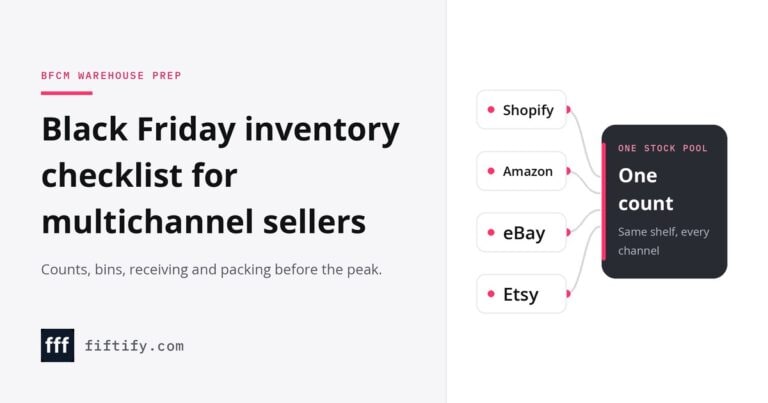
Black Friday inventory checklist for multichannel sellers
A Black Friday inventory checklist is a dated warehouse task list for peak sale prep.

How to choose an ecommerce marketplace service provider for scalable growth
Learn how an ecommerce marketplace service provider helps businesses launch, manage, and scale a profitable ecommerce marketplace. Platform choices, vendor operations, software tools, management services, costs, and practical selection tips.

Ecommerce software solutions: features, costs and how to choose
Learn how to evaluate ecommerce software solutions for online stores, marketplaces, and retail teams. Essential features, vendor comparisons, implementation tips, and practical ways to choose software that supports growth, operations, and customer experience.
Run Shopify, Amazon, eBay and Etsy from one warehouse
Free plan · 7-day full trial · No credit card required