
Equipment tracking sheet: how to build one and when to switch
 Fiftify Team
·
· 16 min read
Fiftify Team
·
· 16 min read

Mobile inventory management tools help field teams log moves on the go. Gear goes missing in small ways. A tool gets moved and not logged. A machine is marked open when it sits in repair. An equipment tracking sheet stops that drift by giving each asset a clear record. Teams know what they own, where it sits, and who last had it. As a result, fewer surprises show up at audit time or during a job handoff.
Many firms start with a simple sheet and it works well for a while. However, growth tends to reveal the limits fast. More items, more spots, and more users all make manual updates harder to trust. So this guide covers how to build a solid equipment tracking sheet, what to include, and when a digital tool makes more sense.
Why tracking gear matters
Lost or idle gear costs real money. A drill that sits unused for a month is cash that could have gone somewhere useful. A machine booked as open while it waits for repair delays a team that needs it. Good equipment tracking helps ops leads avoid both problems.
Also, clean inventory tracking records help with audits, insurance, and handoffs. When a team member leaves or a project ends, the gear log shows who had what. That trail prevents disputes and speeds up recovery. Furthermore, firms that track gear well tend to spend less on new buys. They find open items before placing orders. In short, a solid equipment tracking sheet pays for the time it takes to keep it updated.
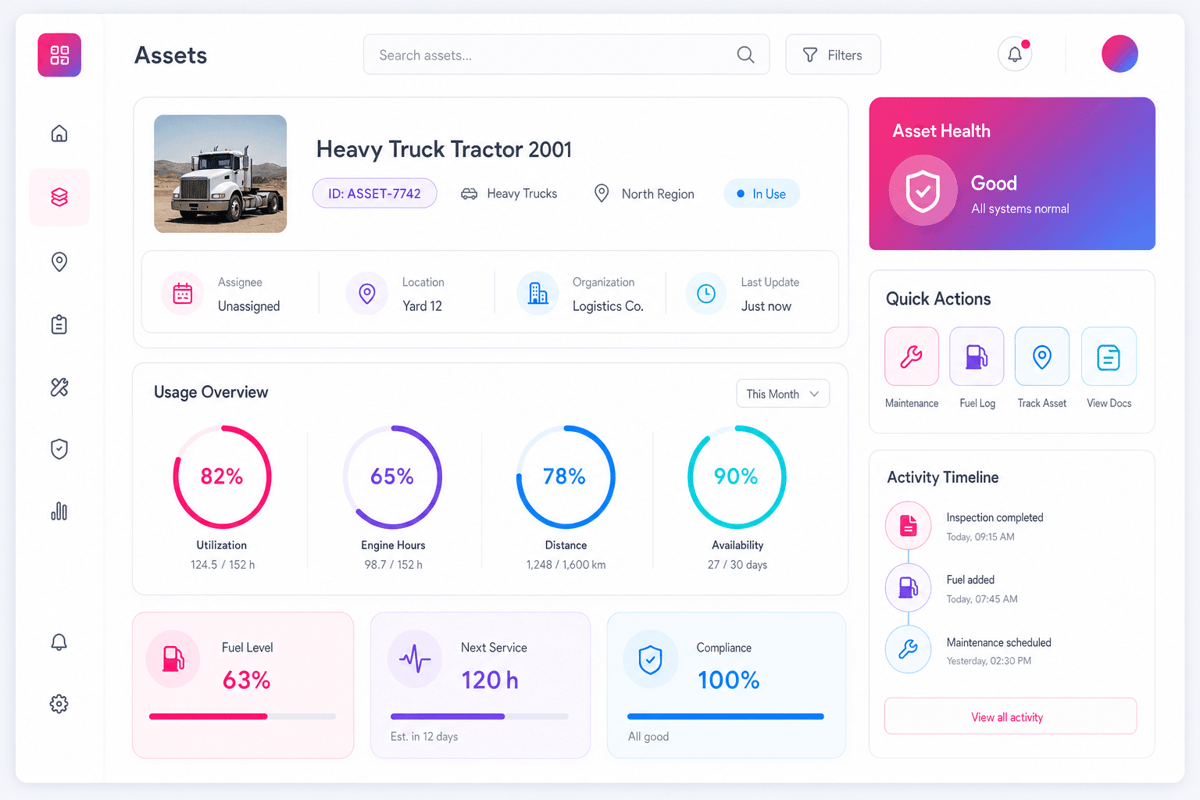
A plain equipment tracking sheet does not need to be complex. The goal is a clear log that staff will actually fill in. So keep the columns simple and the flow fast. The more steps it takes to log a move, the more likely staff are to skip it.
Start with the basics: item name, serial count or tag, spot, owner, status, and last check date. Add columns for purchase date, warranty end, and service notes as the list grows. Also, a photo or barcode column helps teams find and check items faster. In practice, the best equipment tracking sheet is the one that gets used every day, not the one with the most columns.
How to build an equipment tracking sheet from scratch
Building a useful equipment tracking sheet starts with a clear list of what you own. Many firms are surprised to find gear they forgot about or items that show twice in the log. So a physical walk-through before you build the sheet tends to save time later.
After the walk-through, group items by type, spot, or job site. That grouping helps you build a layout that matches how the team works. Also, decide early who will own the sheet and who can edit it. Without clear ownership, the data drifts fast.
Step 1: list every item
Go through each storage room, truck, and job site. Log every item you find, even if it looks old or unused. You can mark status later. What matters now is getting a full count.
For each item, note the name, make, model, and any tag or serial count already on it. Also note where you found it and its current state. This first pass becomes the base of your equipment tracking sheet. It is easier to remove items later than to find ones that were missed at the start.
Step 2: add columns that match your workflow
Each firm tracks gear for a different reason. A rental firm cares about check-in and check-out dates. A site team cares about which crew has each item. A repair shop cares about service history and warranty status.
So build your equipment tracking sheet columns around your actual daily needs. Start with the five or six fields that matter most. You can always add more later. But a sheet with too many blank columns tends to confuse staff and slow entry. Common columns that work well across most firms:
- Item name and type
- Asset tag or serial count
- Current spot (room, truck, or site)
- Assigned owner or team
- Status: open, in use, in repair, or retired
- Last checked or moved date
- Notes for service, damage, or follow-up
Step 3: set up a simple check-out and check-in flow
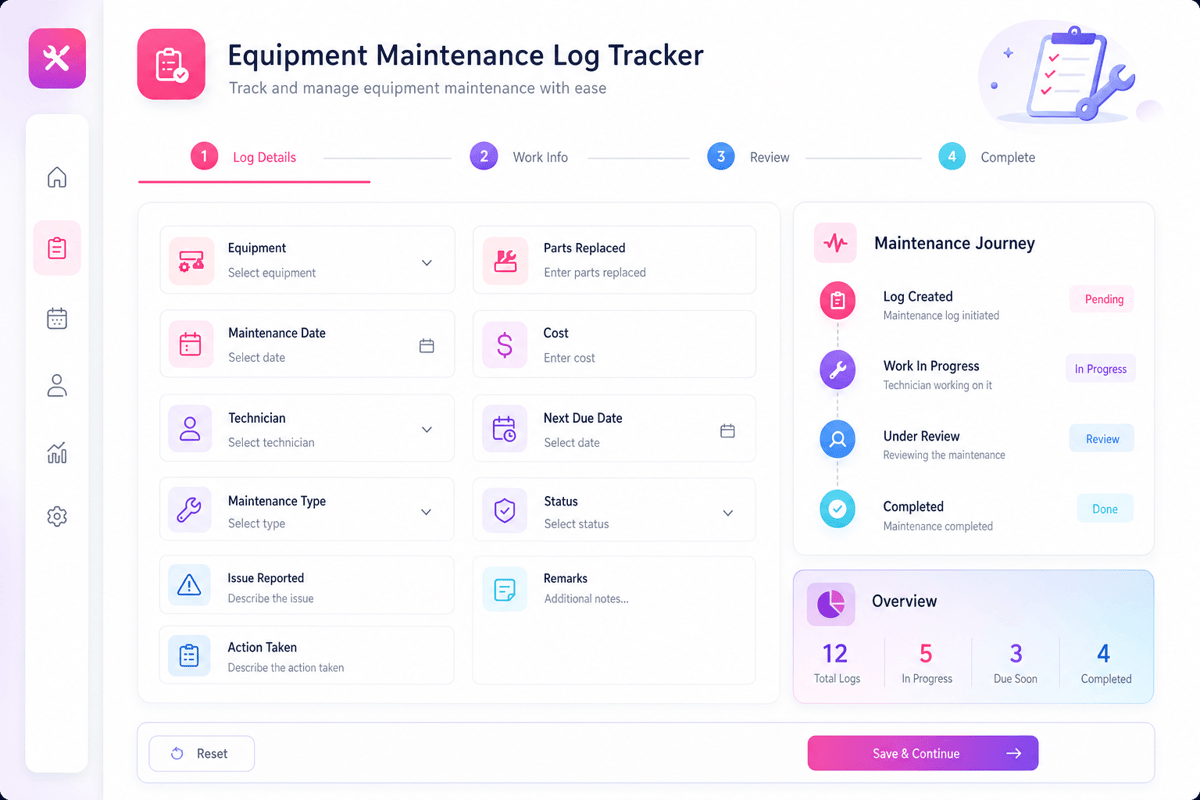
A list is only useful if it stays current. So set up a clear flow for logging gear moves. When an item leaves a spot, the person taking it logs the date, their name, and the new spot. When it comes back, they log the return date and check the status.
Also, pick a check time that fits your work cycle. Some firms check their equipment tracking sheet each morning. Others check at the end of each shift or job. The key is consistency. A sheet checked at random intervals will quickly have gaps that undermine trust in the data. Furthermore, name one person to review the sheet each week and flag any rows that look stale or odd. That review habit catches problems before they become real losses.
Connect Shopify, draw your floor, pick an order - free plan, 7-day full trial, no credit card, no sales call.
Equipment tracking sheet templates: what to use and when
A good equipment tracking sheet template saves setup time and helps teams follow a clear format from day one. Templates are available for free in Excel, Google Sheets, and Word. Each format has its strengths depending on how your team works.
Excel equipment tracking sheet templates
Excel suits firms that need formulas, filters, and custom layouts. You can set up drop-down menus for status, auto-color rows based on status, and use filters to view items by spot or owner. An equipment tracking sheet Excel template works well for firms where one person owns the log and updates it regularly.
Also, Excel handles large item lists well. You can freeze header rows, sort by date or owner, and use conditional formatting to highlight overdue checks. However, sharing can be tricky if your firm uses a desktop version. For shared access, Google Sheets tends to work better.
Google Sheets equipment tracking sheet
Google Sheets suits teams that need real-time shared access. Anyone with a link can view or edit the sheet from any device. So a site team lead can log a move from their phone while the office manager sees the update at once.
Also, Google Sheets links well with Google Forms. You can build a form for check-out and check-in that auto-fills the sheet. That removes the need for staff to open and edit the sheet directly. As a result, the data stays cleaner as fewer people touch the core log. In practice, a Google Sheets equipment tracking sheet works well for teams of five to thirty people who share gear across a few spots.
Word and PDF templates for simple logs
A Word or PDF equipment tracking sheet suits firms that need a printed sign-out form. Some job sites prefer paper logs for speed or because devices are not allowed in certain areas. A printed sheet with rows for item, date, name, and sign-off works well for daily gear handoffs.
However, paper logs need to be typed up later if you want a digital record. So they add a data entry step. For most firms, a digital sheet is better from the start. But for very small teams or low-tech settings, a simple paper form is better than no tracking at all.
What to track in an equipment tracking sheet for your industry
Different industries need varied data in their equipment tracking sheet. A construction firm tracks tools by job site. Larger assets may call for a dedicated inventory tracking solution for heavy equipment. A healthcare firm tracks devices by ward. An IT team tracks laptops by user. A healthcare firm tracks devices by ward. An IT team tracks laptops by user. So the base format stays the same but the key columns shift.
Construction and field services
Field teams move gear across many sites and trucks. An equipment tracking sheet for this setting should log the job site, the crew lead, the truck, and the return date. Also, condition notes matter as field gear wears faster than office gear.
Furthermore, high-value tools like laser levels, compactors, and breakers need their own detailed records. Serial counts, buy dates, and service history help justify repair vs. swap calls. In practice, a weekly walk of each truck and site keeps the data tight. Firms that skip the walk tend to find gear listed on a job site that ended months ago.
IT and office equipment
IT teams track laptops, monitors, tablets, and phones. An equipment tracking sheet for this setting should log the user, the device specs, the warranty end, and the last check date. Also, software license counts often link to hardware counts.
When a staff member leaves, the log shows which devices to recover. Hardware inventory software can help automate that recovery step. That step alone can save thousands of dollars each year in firms with fast staff turnover. Also, the log helps budget planning. A clear view of how many devices are near warranty end helps IT plan refresh cycles well in advance. For a deeper look at IT asset tracking tools, see our guide to IT inventory tracking software.
Healthcare and regulated environments
Healthcare firms track medical devices, consumables, and portable units across wards, carts, and storage rooms. An equipment tracking sheet in this setting needs lot counts, service dates, and calibration records.
Also, compliance rules often require proof that gear was checked, cleaned, and cleared before use. A clear log helps teams meet those rules fast during audits. The FTC cybersecurity guide lists asset logs as a key control for small firms. In short, the more regulated the setting, the more detail the sheet needs. And the more detail it needs, the sooner a digital tool makes more sense than a manual sheet.
Common problems with an equipment tracking sheet and how to fix them
Even a well-built equipment tracking sheet runs into problems over time. Data drifts, columns get ignored, and staff stop updating rows. These problems are common. The fix is usually a process change, not a bigger sheet.
Staff skip updates
The most common problem is staff who forget or skip the log when they are busy. An equipment tracking sheet only works when the team fills it in. So make the log as fast as possible to update. Fewer fields mean fewer chances to skip steps.
Also, place the sheet where the action happens. If gear lives in the stock room, the log should be on the door or on a nearby tablet. If gear moves by truck, the log should be in the truck or on a shared phone app. Furthermore, a short weekly reminder from the team lead can cut the dropout rate. Most staff do not skip the log on purpose. They just get busy and forget.
Data gets out of date
Stale data is worse than no data. It gives false confidence that you know where things are. So set a fixed review cycle for your equipment tracking sheet. Once a week works for most teams. Once a day works for high-turnover gear like shared tools and laptops.
Also, flag any row that has not been updated in two weeks. That flag tends to reveal items that moved with no a log entry. A quick check of those items each week keeps the data from drifting too far from reality. In practice, a five-minute review at the end of each shift is enough to catch most gaps before they compound.
The sheet becomes too complex
A sheet that started simple can grow into a complex file that nobody trusts. Extra columns, nested formulas, and color codes that only one person understands all add friction. So review your equipment tracking sheet every few months and cut any column that is always blank or never checked.
If the sheet feels complex, it is a sign the firm has outgrown manual tracking. Barcode inventory systems are a common next step. That is a good signal to look at a digital tool. An equipment tracking app can handle the complexity that a sheet cannot, and it does so with less work from the team.
When an equipment tracking sheet is no longer enough
A equipment tracking sheet works well for small teams with a clear list of items. But several signs show when a firm has grown past what a sheet can handle. Knowing those signs helps leaders make the switch before the problems get costly.
Signs you need a digital tool
The first sign is when staff regularly find errors in the log. If the sheet says an item is in one place but the physical check finds it somewhere else, the data gap is already hurting ops.
Also, watch for the time your team spends on the sheet each week. If one person spends more than an hour fixing rows, checking counts, and chasing missing entries, that labor cost may exceed the cost of a simple digital tool. Furthermore, if your firm tracks more than one hundred items across more than two spots, a sheet will struggle to stay current. A digital equipment tracking system updates as moves happen, not when someone gets around to typing them in. In practice, the best time to switch is before a problem forces the move. A proactive upgrade saves time and reduces the risk of a costly gap during an audit or a job site inspection.
How digital tools improve on the equipment tracking sheet
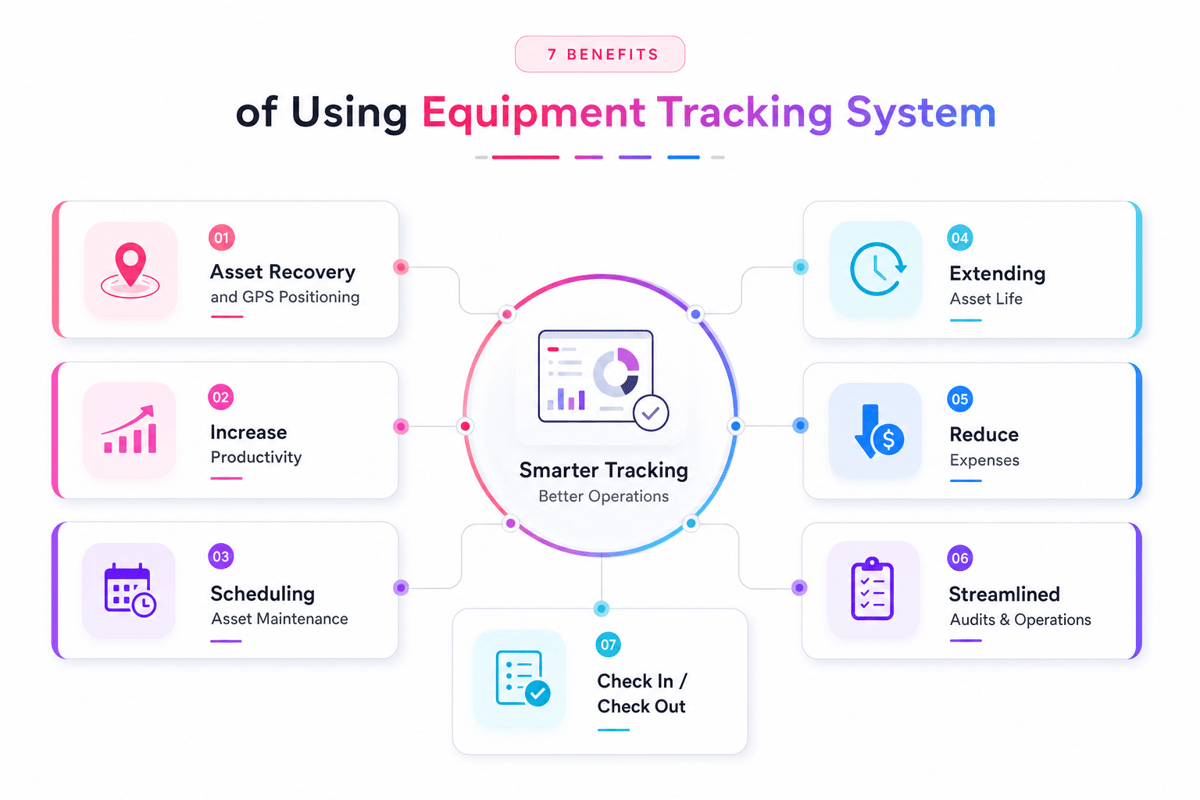
A digital tool does not replace the logic of an equipment tracking sheet. It runs the same data model but with scan input, mobile access, and auto-syncs. Staff scan an item to log a move. The system updates the spot, owner, and date at once.
Also, digital tools send alerts for overdue returns, ending warranties, and missing check-ins. That kind of proactive signal is hard to build in a sheet and easy to miss when it is. For firms that also want to automate follow-up and outreach around gear use, see how marketing automation tools for small businesses can save time beyond the warehouse. Also, for a look at what to look for in the right marketing automation platform, see the guide on features of marketing automation software.
Equipment tracking sheet best practices for long-term success
A equipment tracking sheet stays useful over time only with clear habits around it. The tool is only as good as the process behind it. So set up simple rules and follow them every week.
Keep the equipment tracking sheet format consistent
Avoid changing column names or layouts unless the team agrees. A stable format helps staff fill rows fast and helps managers read the sheet without relearning it. Also, use a clear naming rule for items. A laptop should always be listed as a laptop, not as a notebook or a PC. Consistent names make filters and searches work correctly.
Furthermore, date formats should stay the same across every row. Mixed date formats cause sort errors and make it hard to filter by date. Pick one format, share it with the team, and stick to it from day one.
Use the sheet to drive decisions
The best teams use their equipment tracking sheet to guide real calls. Check if a spare exists before buying a new item. Also, look for open storage gear before renting. If an item seems lost, search the log for its last known spot before writing it off.
Also, use the sheet to plan care cycles. Filter for items that have not been checked in thirty days. Send that list to the team lead. A short check before a job starts saves a much longer fix after the job ends. In short, a well-used equipment tracking sheet is not a passive log. It is an active ops tool that helps daily calls.
Review and clean the sheet regularly
Set a monthly review to check for retired items still listed as open, items with blank owners, and rows that have not moved in over thirty days. These rows tend to represent real problems worth a quick check.
Also, archive rather than delete old rows. A retired item may still matter for warranty claims or insurance. Keeping the history gives you a trail without cluttering the active view. Furthermore, invite input from the people who use the sheet most. They will notice gaps and friction points that a manager may miss. A short monthly check-in builds a culture of shared ownership around the data.
Conclusion
An equipment tracking sheet gives every firm a clear starting point for asset control. It costs little to set up and pays back quickly in saved search time, fewer lost items, and cleaner audits. Also, it builds the habit of ownership that makes any future digital tool easier to adopt.
The best sheet is the simplest one that your team will use every day. So start with the core columns, build a clear check-out flow, and set a weekly review habit. Over time, the log becomes a trusted part of daily ops rather than a task that gets skipped when things get busy.
From sheet to system: the natural upgrade path
An equipment tracking sheet is a starting point, not a final answer. When the team grows, when items multiply, or when errors become costly, it is time to move to a digital tool. The good news is that a well-maintained sheet makes that move easier. Clean data, clear labels, and a full item list give the new system a strong base to build on.
A clean inventory database grows from a well-kept sheet. Also, the habits built around a sheet transfer directly to a digital tool. Staff who already log moves, check items, and review data weekly will take to a scan-based system much faster. Good scanners for inventory make that upgrade simple. In short, start with the equipment tracking sheet and use it well. When it reaches its limits, you will know exactly what you need from the next tool. For a full view of digital tools that support these habits, explore these inventory management solutions.
 Google AI
  OpenAI ChatGPT
 Frequently Asked Questions
What is an equipment tracking sheet?
An equipment tracking sheet is a document used to record and monitor company assets such as tools, machines, devices, and office equipment. It typically includes item names, serial numbers, locations, assigned users, purchase dates, condition, and maintenance details. Businesses use it to improve accountability, reduce loss, and keep equipment records organized.
What should be included in an equipment tracking spreadsheet?
An equipment tracking spreadsheet should include key details such as asset ID, equipment name, category, location, assigned employee, purchase date, warranty information, condition, and maintenance schedule. You can also add check-in and check-out dates for shared tools. These fields make the sheet useful as both an inventory sheet and an equipment inventory template Excel file.
How do you create an inventory sheet in Excel for equipment?
To create an inventory sheet in Excel, start with columns for item name, serial number, quantity, location, owner, status, and notes. Add filters to sort equipment by department or condition. If you are learning how to create an inventory sheet in Excel, begin with a simple inventory form template and customize it for your equipment tracking needs.
Why should businesses use an equipment tracking sheet?
An equipment tracking sheet helps businesses know where their assets are, who is using them, and when they need service or replacement. It reduces duplicate purchases, supports audits, and improves maintenance planning. For small teams, a tool inventory spreadsheet or tool inventory list can be a practical alternative to complex asset management software.
Can I use an Excel template instead of inventory software?
Yes, many businesses can use an Excel-based template instead of dedicated inventory software, especially if their equipment list is small or moderate. An equipment inventory template Excel file is easy to edit, share, and print. However, larger companies may need software for barcode scanning, automated alerts, user permissions, and real-time reporting.
What is the difference between an inventory checklist template and an equipment tracking sheet?
An inventory checklist template is usually used to confirm that items are present, complete, or ready for use. An equipment tracking sheet goes further by recording ownership, location, condition, maintenance history, and assignment details. A software inventory Excel template may focus on licenses and devices, while equipment tracking covers physical assets across departments.
Sync inventory in real time, manage orders, and run warehouse operations across Amazon, eBay, Etsy, Shopify, and other sales channels. From barcode scanning to organized storage and faster fulfillment, Fiftify helps reduce errors, prevent overselling, and support business growth. Explore our articles for insights on warehouse management, inventory control, and multichannel operations.
You may also like

How to choose an ecommerce marketplace service provider for scalable growth
Learn how an ecommerce marketplace service provider helps businesses launch, manage, and scale a profitable ecommerce marketplace. Platform choices, vendor operations, software tools, management services, costs, and practical selection tips.

Ecommerce software solutions: features, costs and how to choose
Learn how to evaluate ecommerce software solutions for online stores, marketplaces, and retail teams. Essential features, vendor comparisons, implementation tips, and practical ways to choose software that supports growth, operations, and customer experience.

Multi-carrier shipping software: features and how to compare options
How multi carrier shipping software compares rates, prints labels, tracks orders and handles returns, and which features to check before you choose one for your store.